See it in action
Track time, manage projects, and log expenses from your phone. The Latinum mobile app is available for Android.
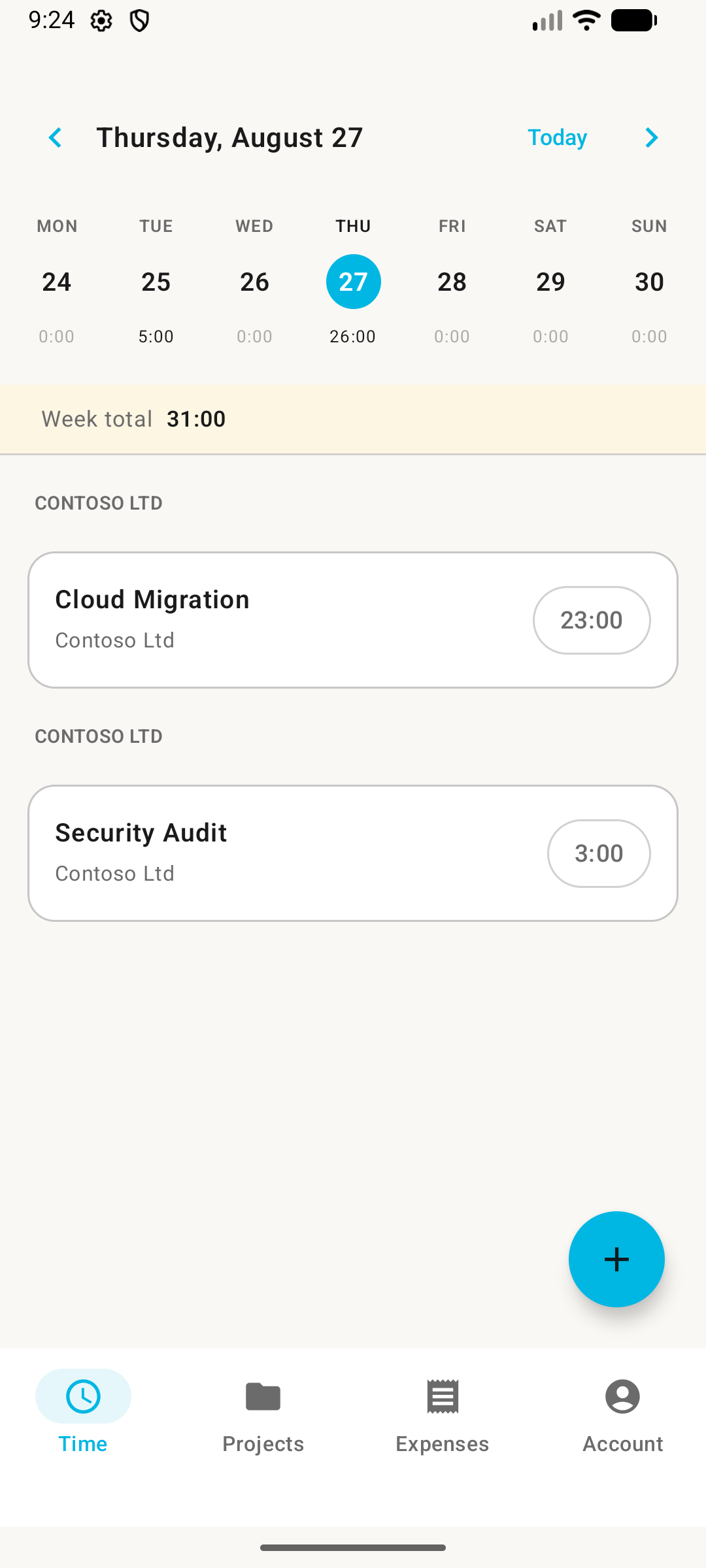
Get it on Google PlayLog time with a weekly calendar view. See hours per day, week totals, and entry details. Add manual entries in seconds.
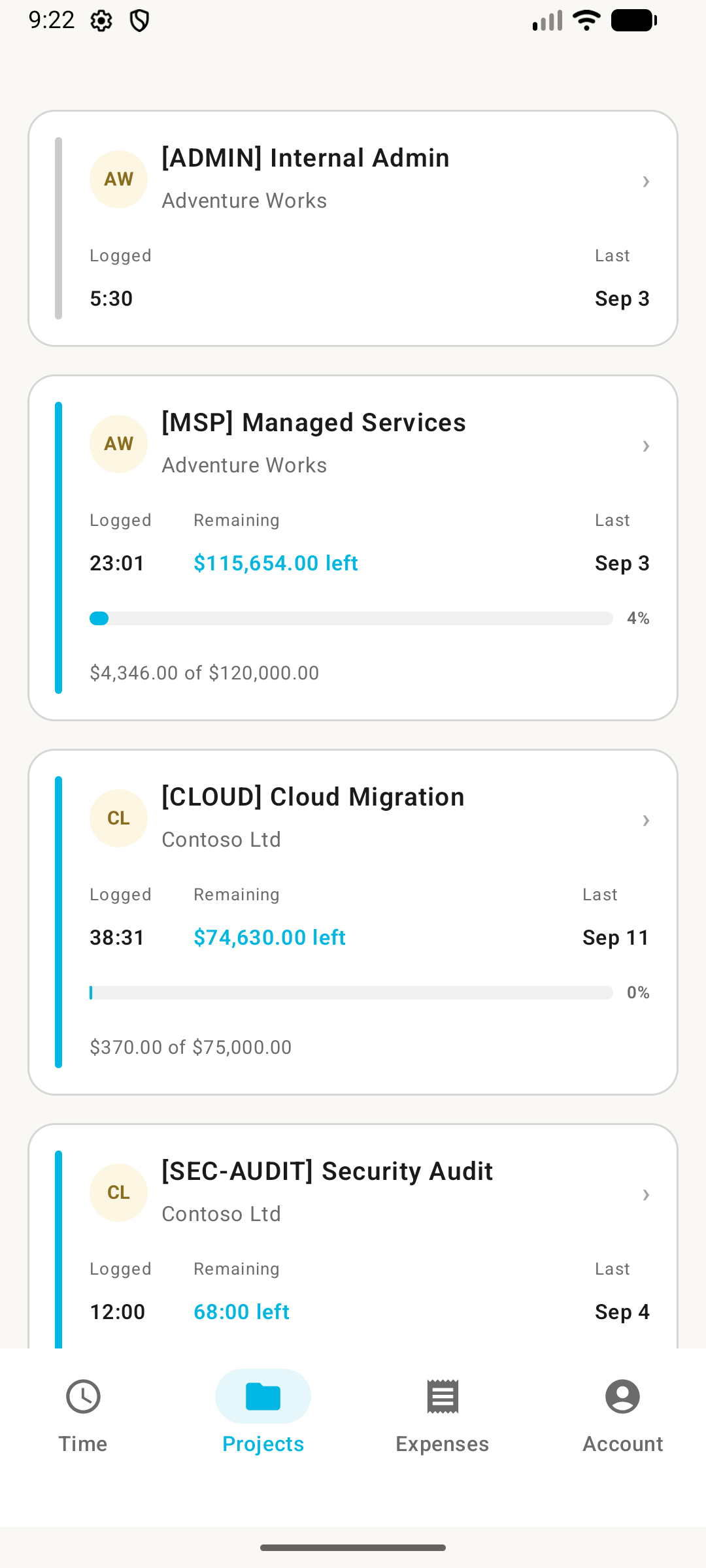
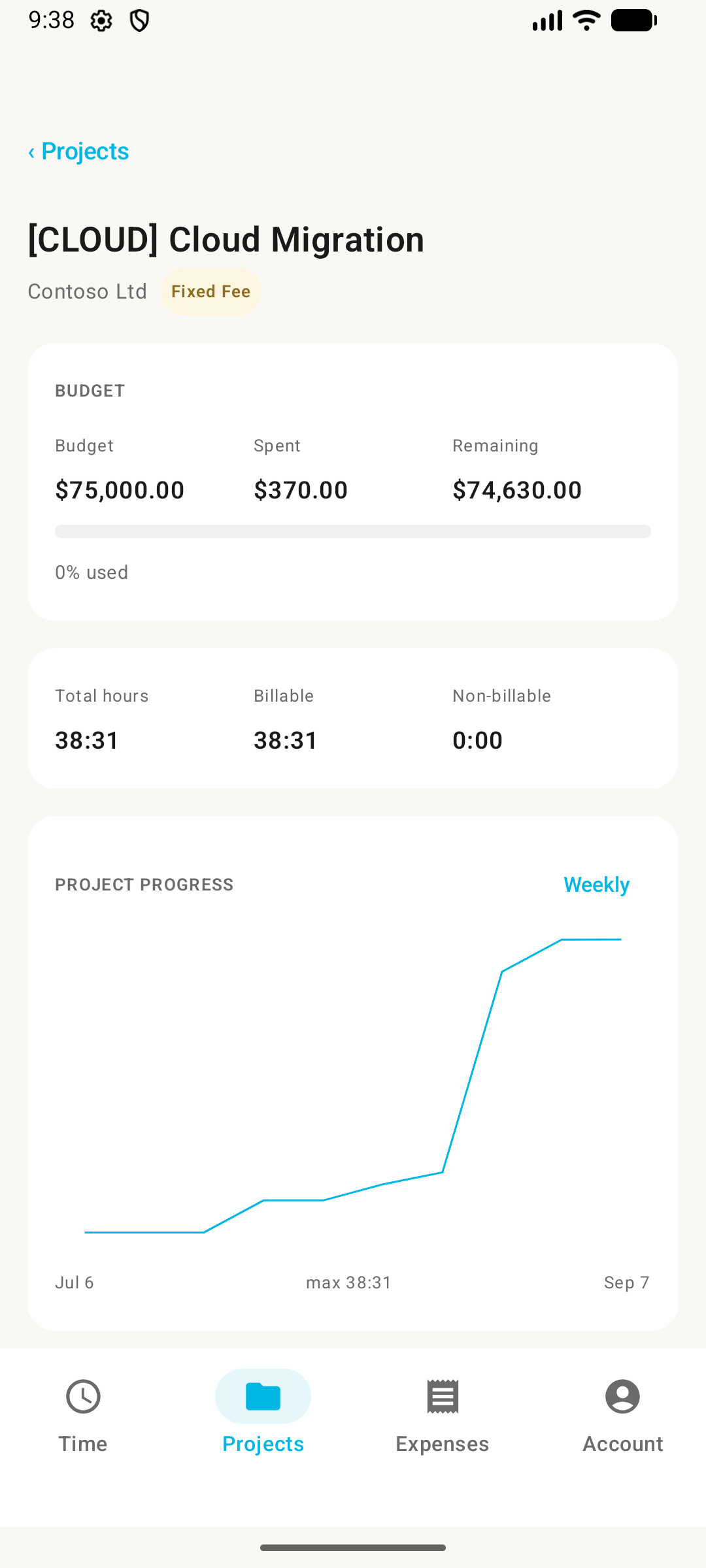
Browse projects with budgets, hours logged, and remaining balances. Drill into project details for charts and breakdowns.
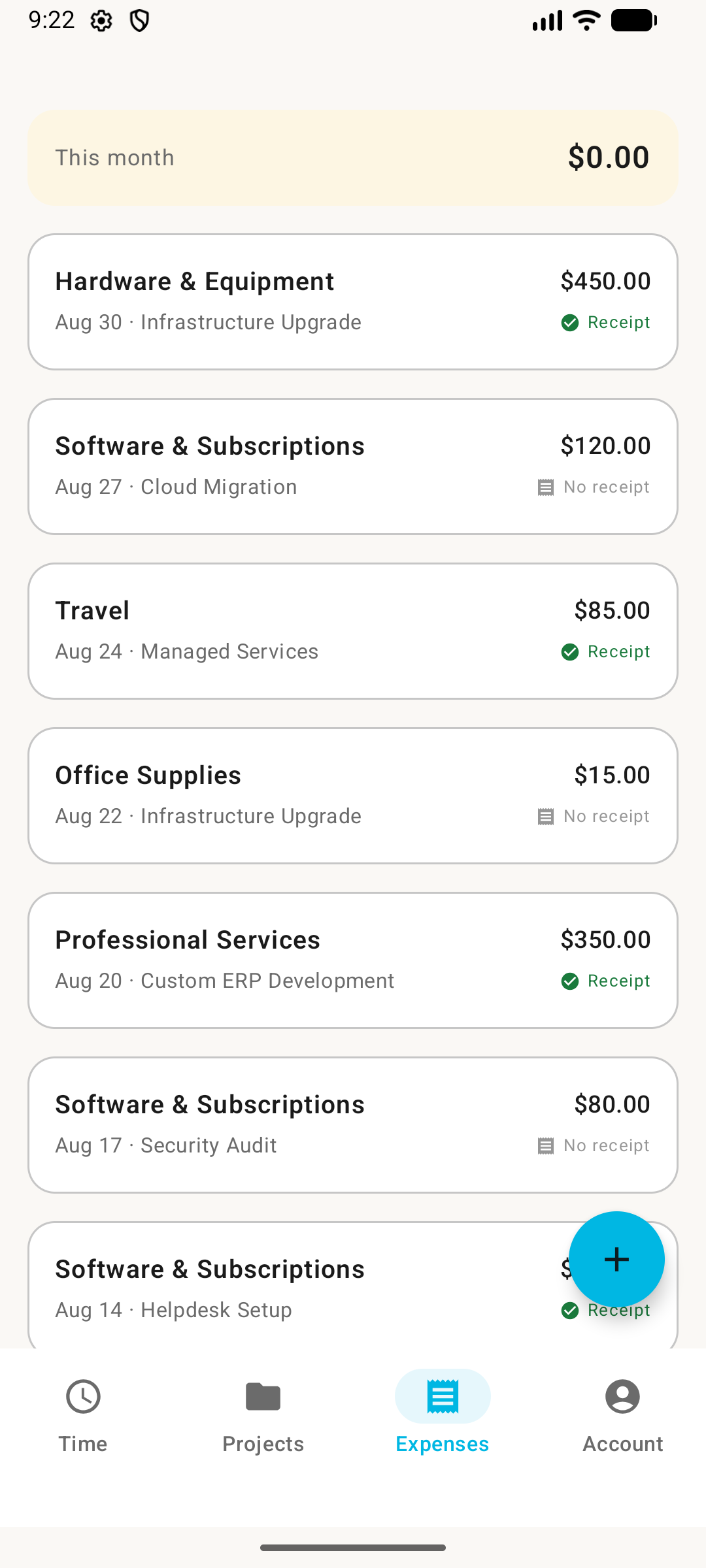
Log expenses with categories, amounts, and project associations. Track billable vs non-billable on the go.
Track time even without a connection. Entries sync to the server automatically when you're back online.
The Latinum mobile app is currently available for Android on Google Play. iOS support is on the roadmap.
No. Use the same email and password you use for the web app. All your data syncs across both.
The mobile app supports manual time entry — add a project, enter hours, add a note, and save. Live timer support is coming soon.
Not yet. Invoicing is available on the web app. The mobile app focuses on time tracking, project management, and expense logging while you're away from your desk.
Yes. You can log time and expenses without an internet connection. Entries are stored locally and sync to the server when you reconnect.
Search for "Latinum" on Google Play, or use the link above. You'll need a Latinum account to sign in — create one at app.mylatinum.com.